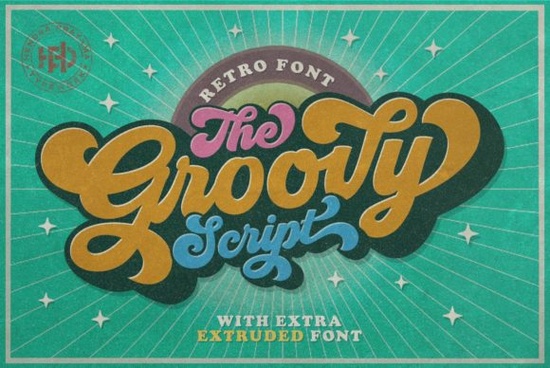
If you’re hunting for a script that captures the free-spirited vibe of the late 60s and 70s, Groovy Font is exactly what you need. Inspired by iconic advertisements from that era, this nostalgic script brings a funky, hand-lettered feel to any retro project. Whether you’re designing a poster for a themed party, creating custom t-shirts, or building a vintage brand identity, this font adds instant personality.
What makes Groovy Font different from other retro scripts?
Most retro fonts either look overly polished or too messy. Groovy Font strikes a balance with smooth, flowing strokes and playful swashes that feel authentic to the 1970s. The letterforms have a natural bounce, making them perfect for headlines, logos, and short phrases. It’s not a stiff, monotone script – it breathes like actual hand-lettering. Designers often pair it with a simple sans-serif to keep the focus on the whimsical details.
How can I use Groovy Font in my projects?
Think of it as your go-to for anything that needs a nostalgic, lighthearted touch. Print-on-demand sellers love it for:
- Retro apparel designs (think tie-dye or earthy color palettes)
- Vinyl decals for mugs and water bottles
- Social media quotes with a vintage twist
- Event flyers for 70s-themed parties or music festivals
Small business owners use it for product labels, especially for handmade or artisanal goods. For example, a cupcake handmade duo font might work next to Groovy Font for bakery branding that feels both playful and handcrafted.
Where can I find fonts that pair well with Groovy?
Because Groovy is a script with strong personality, it works best with simpler fonts for body text. Some popular pairings include:
- A clean sans-serif like Montserrat or Poppins for a modern contrast
- Another script with a different mood, such as Hello Honey font, which has a softer, more elegant feel
- A retro slab serif for a full 70s look
If you want a complete vintage kit, consider combining Groovy with vintage handmade font styles that share the same handmade essence. For a more romantic take, Better Together font can add a sweet, connected feel to greeting cards or wedding signage.
Is Groovy Font suitable for digital or print projects?
Yes, it works well in both environments. The clean file format (usually OTF and TTF) makes it easy to install and use in design software like Canva, Adobe Illustrator, or Procreate. Because it’s a script with moderate stroke variation, it maintains legibility at medium sizes – great for website headers, but also readable on physical products like tote bags or stationery.
How does Groovy Font help my designs stand out?
In a crowded market, fonts are often overlooked. A unique, nostalgic script like this one signals that you’ve put thought into your design. When customers see a product with Groovy Font, they immediately feel a sense of retro charm – without the design looking dated. It’s a smart way to create emotional connection, especially for brands targeting nostalgic buyers or those who appreciate handmade aesthetics.
If you’re a crafter working on custom invitations or a print-on-demand seller testing new niches, this font can give your work a distinct voice. For example, pairing it with a Barbie font might work for a retro-glam collection, while keeping the script organic and approachable.
Where can I get Groovy Font?
You can download the complete font family from Groovy Font at Creative Fabrica. It’s included in many subscription plans, so you may already have access if you’re a member. The download usually includes standard glyphs, alternates, and swashes – everything you need to start designing right away.
Quick checklist before you use Groovy Font in your next project:
- Test legibility at different sizes – avoid using it for long paragraphs.
- Pair with a neutral font for body text to let the script shine.
- Use a consistent color palette that matches the 70s mood (mustard yellow, avocado green, burnt orange).
- Check licensing – Creative Fabrica fonts are usually fine for commercial use, but always double-check for print-on-demand platforms.
- Experiment with swashes to create unique letter combinations for logos or titles.
Start with a simple project like a birthday card or a social media graphic. Once you see how naturally Groovy Font flows, you’ll find yourself reaching for it every time you need a dash of retro fun.
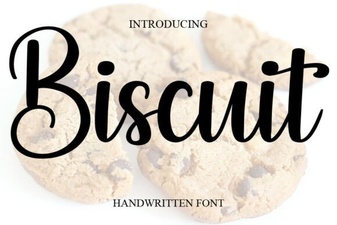 Free Download of the Biscuit Font Design Package
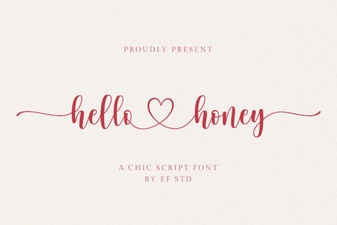 Hello Honey Font: Creative Typography Project Ideas
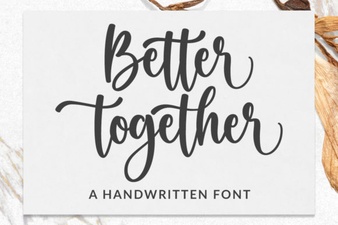 Better Together Font: Creative Pairings and Design Tips
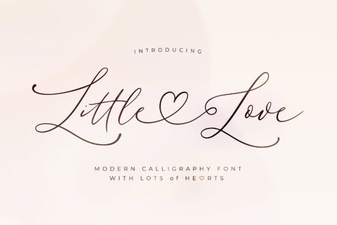 Little Love Font: Design for Heartfelt Projects
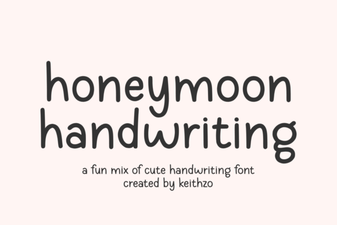 Honeymoon Handwriting: Elegant Font Projects
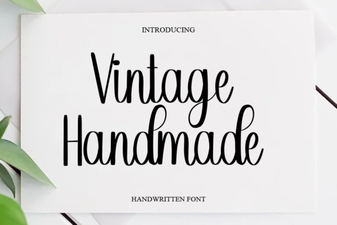 Vintage Fonts for Crafty Designs & Creative Projects